Create Facebook App
- You must have a Facebook page.
-
Go to https://developers.facebook.com/apps/ and click on
Create App.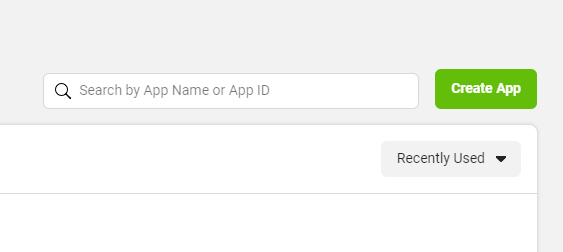
-
Select
Businessand click theNextbutton at the bottom.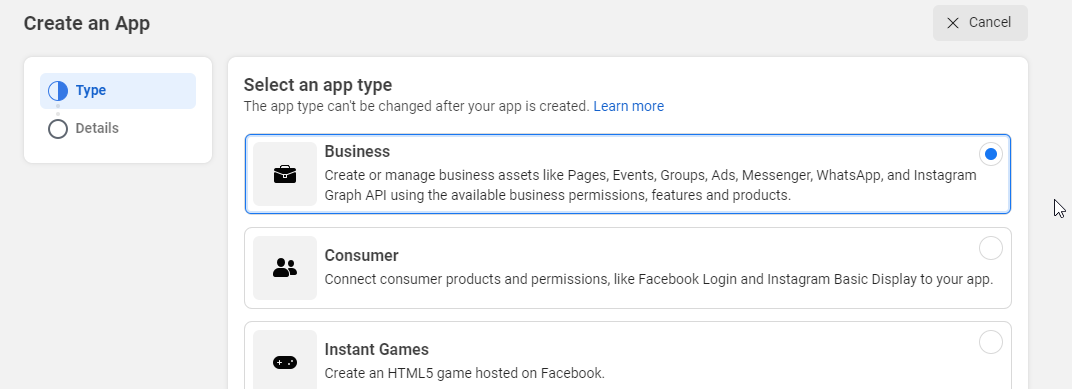
-
Add an
App NameandContact Emailand clickCreate App. -
Enter your password and click
Submitif prompted.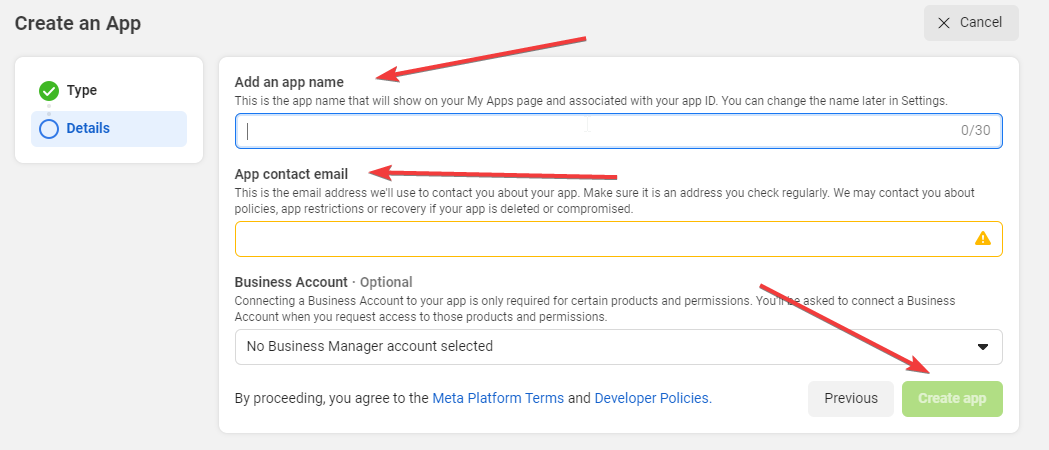
-
Your app will be created in a moment, and you’ll be redirected to it.
- Scroll down and click on
Set Upunder Facebook Login for Business. -
It will be added, and you’ll be redirected to its settings. Click
Savewithout any changes.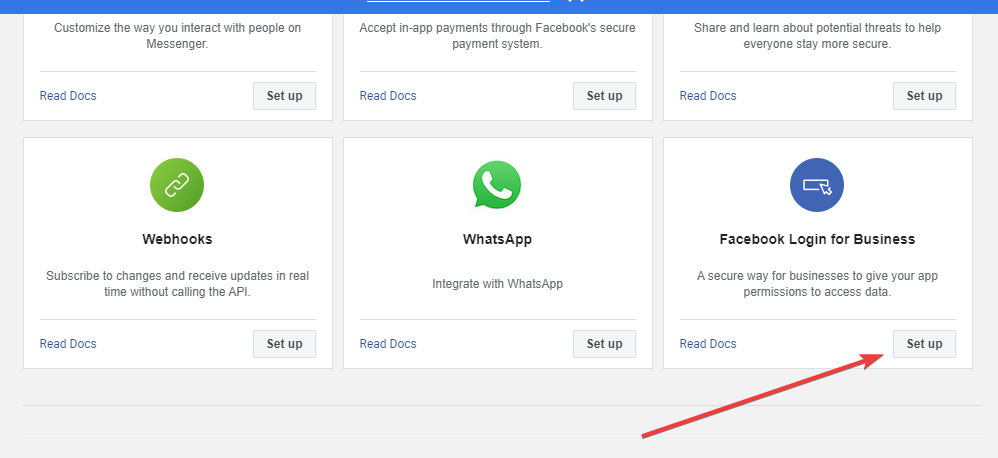
-
Navigate to
Settings > Basicfrom the left side. - Copy the
App IDandApp Secret. -
Add your
Contact Email,Privacy Policy URL,Terms of Service URL, select aCategory, and clickSave Changesbutton.